
Product
Valorant Mod Menu — Every Toggle Explained
A valorant mod menu is the in-game overlay where you enable cheats without alt-tabbing. This overview maps each category — aimbot options, ESP options, gadget ESP, streamproof, and config save/load — to what you should toggle first.
Get Access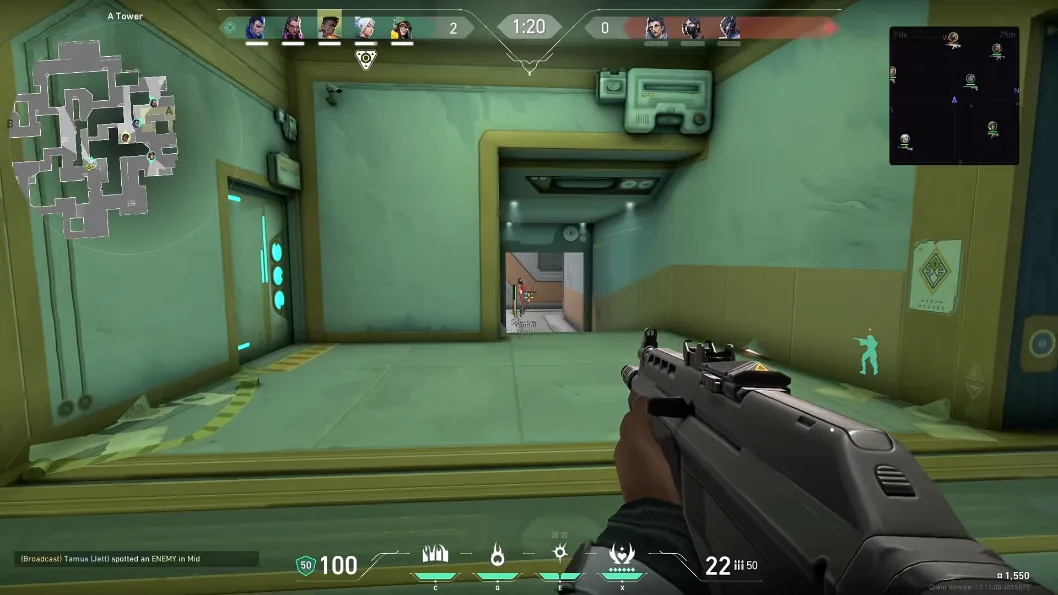
Aimbot options in the menu
Enable aimbot, set FOV, draw FOV ring, adjust smoothness, pick hitbox (head, chest, stomach, pelvis), optional target line with custom color. Disable draw FOV in Ranked if you record clips — the circle is for tuning only.
Full list mirrors our Features page — the menu and docs stay aligned after each rebuild.
ESP and gadget ESP categories
Player ESP: skeleton type (normal, outline, glow, RGB), thickness, player name, head circle, view line, box type, snaplines, feet circle. Gadget ESP: attacker gadgets, spike, agent abilities — toggle separately from players to reduce clutter.
Health and rank ESP help target selection in Unrated; trim them in high elo to save screen space.
Streamproof, save config, load config
Streamproof hides overlays from common capture APIs — use before OBS or Discord stream. Save config after tuning a map; load config when switching from Unrated to Ranked profiles.
Get access via Valorant Cheats — setup steps on Setup, status on Updates.
Official game guides & resources
We link to trusted third-party sources so you can verify patch notes, player stats, and map info outside our site.
- Valorant on PC Official store page, system requirements, and player reviews.
- Valorant patch notes & news Read official update posts before you change your loadout.
- Official Valorant website Game overview from Riot Games.
- Valorant Wiki (Fandom) Player stats, maps, and agent abilities.
- Valorant community hub Announcements and community discussions.